Supermarkets

No more masking tape, guessed use-by dates and shrink in your in-store production.

Bakery, pastry, deli, butcher and cold cuts produce and portion food all day long. EtiquetaChef calculates the use-by date of every item, prints the label on the spot and puts opening, receiving and cleaning checklists in the team’s hands. Management keeps the history, and inspectors find everything identified.

To print you need a Bluetooth ZPL II or TSPL thermal printer and the mobile app (Android, iPhone or iPad). Other protocols only on request to our sales team. Printing is not available on the web dashboard.

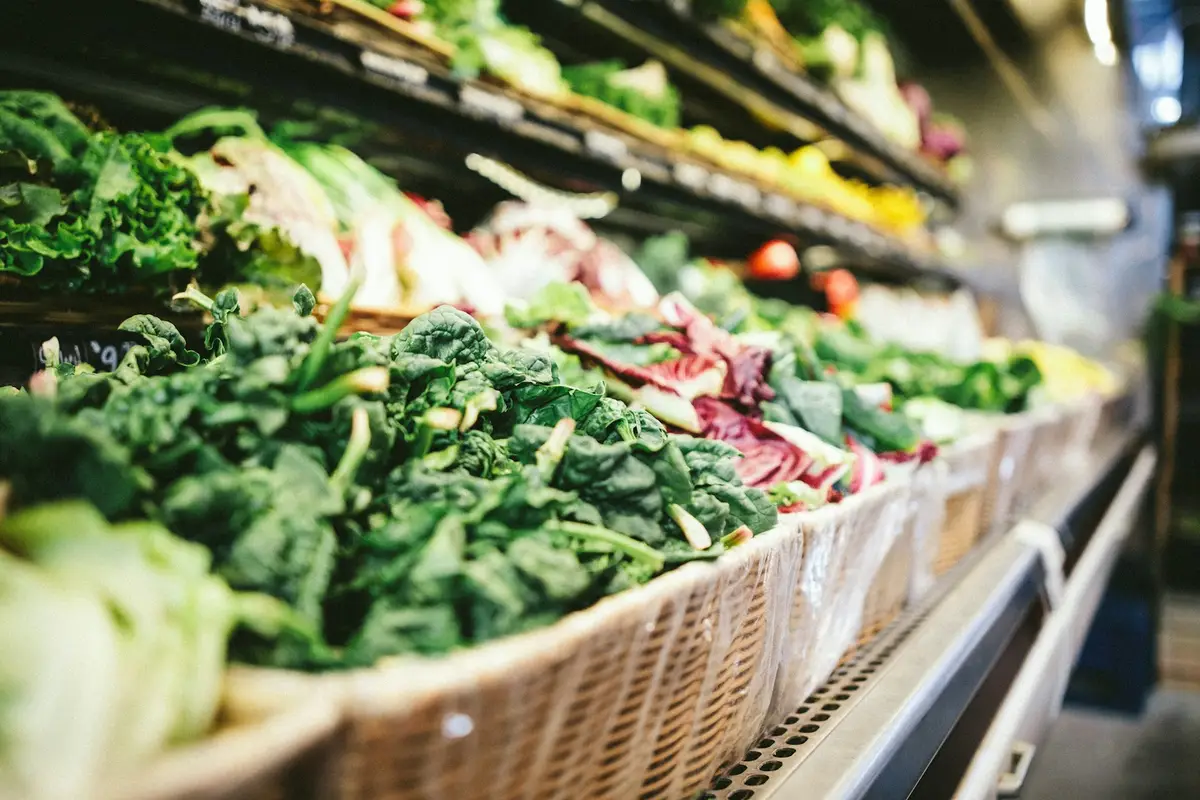
Fresh produce section of a supermarket
Photo: Scott Warman / Unsplash

Four results store management can see

  1. Shrink

    Shrink under control, COGS protected

    Expensive stock should not expire forgotten at the back of the walk-in.

    • Secondary shelf life is calculated from the product rule: opened, handled, thawed.
    • The active-label list shows first what expires first. FEFO in practice, not on a poster.
    • Expiry alerts 24 h and 48 h ahead, plus a daily morning summary for whoever decides what leaves the counter.
    • Every discard and every expired item is recorded with quantity, time and who did it. Shrink stops being a guess.
  2. Inspection

    Ready for the health inspector

    Food safety codes expect prepared and portioned food to be identified with its date and shelf life. Masking tape and a marker do not hold up.

    • Standardized, legible thermal label: product, preparation date, use-by date and person responsible.
    • Allergens highlighted on the label templates that include the allergen field.
    • Lot printed when the department records it, and supplier on templates that include that field.
    • Every print stays in the history for 12 months after expiry. Whatever the inspector asks for is there.

    EtiquetaChef lowers the risk at inspection time. Your HACCP plan and food safety lead remain responsible.

  3. Turnover

    New staff, same standard

    A new hire does not need to memorize a single shelf life.

    • Pick the product on screen and the use-by date is calculated. No mental math.
    • The same product setup on every shift: the night team prints exactly like the opening team.
    • Quick PIN access on the department’s shared device.
    • Operators only print. Products and rules stay with managers and owners.

    Training becomes a demo at the counter.

  4. Checklists

    SOPs done and on record

    An SOP on paper does not prove it was followed.

    • 35 ready-made templates to start from: opening and closing, receiving and storage, cleaning, temperature of walk-ins and counters.
    • Schedule by day, week, month or shift.
    • An out-of-range temperature becomes a non-conformity on the spot, with photo, note and corrective action.
    • A checklist not done on time is flagged, and the manager is notified.
    • Managers follow it in the app’s Monitor, sign off and review the history of every run.

One platform for every production department

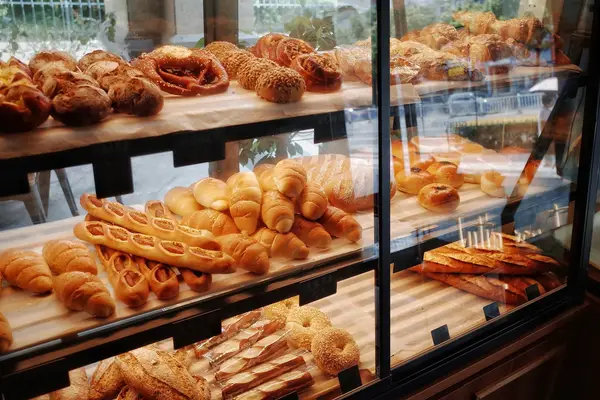
Bakery

The early-morning batch with the same standard as the afternoon one.

  • Ingredients and allergens in the product setup, linked to each ingredient.
  • Different shelf lives for raw, baked and displayed, from the product rules.
  • Person responsible and preparation date on every label.
Pastry

Shelf lives that change at every stage.

  • “Frozen on” printed on the label, and a new use-by date when thawed.
  • Opened fillings, toppings and decorations with secondary shelf life.
  • Allergens highlighted on the label templates that include the allergen field.

Deli and hot food

Ready meals have short shelf lives.

  • Daily ready meals and dishes with use-by dates calculated from preparation.
  • Active labels sorted by expiry for closing the counter.
  • An alert before it expires, not after.

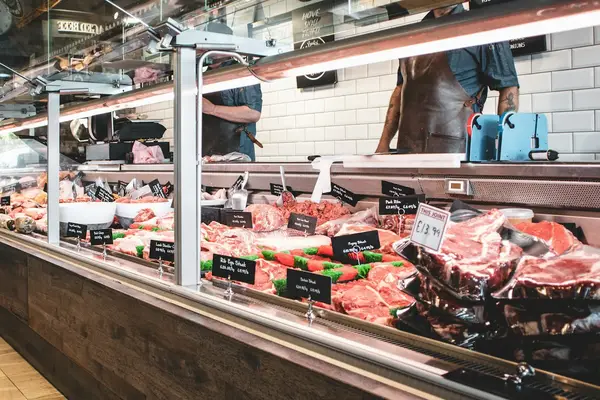
Butcher

Minced and marinated meat leave no room for error.

  • Short shelf life from the handled-product rule.
  • Thawing with its own rule.
  • Lot on the label when the department records it; supplier on templates that include that field.

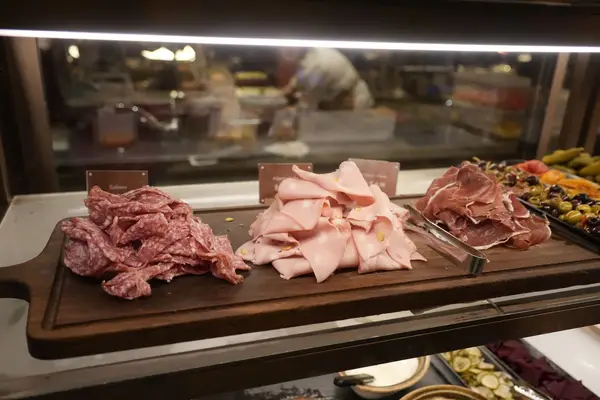
Cold cuts and cheese counter

An opened piece changes the shelf life.

  • When a piece is opened, the label prints the opening date and the calculated portioned shelf life.
  • Today’s portions labeled in seconds, without leaving the counter.
  • Every print stays in the history.

Many departments, one standard

All in-store production speaks the same language.

  • Each department prints from its own phone or tablet, with the same store product setup.
  • Role-based permissions: operator, manager and owner.

How it works in the store

  1. Set up

    The manager registers products and rules (or imports a spreadsheet in the web dashboard) and turns on the store’s checklists in the app.

  2. The team works at the counter

    On a phone or tablet: the shift checklist and the label. Pick the product, print, stick.

  3. Print on the spot

    Over Bluetooth to the thermal printer, no computer. Works without internet and syncs later.

  4. Management follows up

    The Monitor shows checklists done, late and non-conformities, plus the history of labels, write-offs and discards.

How much of your in-store production turns into shrink every month?

Expired product on the counter is COGS thrown away and, at inspection, a citation. Calculated use-by dates, visible FEFO and recorded discards show where the margin is leaking.

Frequently asked questions

How does EtiquetaChef help control shrink?

It calculates the use-by date of every item, sorts active labels by expiry, alerts 24 h and 48 h ahead and records every discard and every expired item with quantity, time and who did it. You see where you lose and act before things expire.

Does it meet food safety regulations?

It covers the identification of prepared and portioned food: product, preparation date, use-by date and person responsible, with a print history. Full compliance also depends on your HACCP plan, good practices and food safety lead — EtiquetaChef helps the team carry them out and record them every day.

How do the operational checklists work?

Start from one of the 35 ready-made templates or build your own, with up to 60 items: pass/fail, measurement with a range, choice or text. Set the schedule by day, week, month or shift. The team runs them on Android, iPhone or iPad, with a photo on non-conformities, and the manager is notified of what is late, signs off and reviews the history.

My chain has several stores. Can I control everything centrally?

Each store is its own establishment in EtiquetaChef, with its own data and team. Owners and managers switch stores with the same login, and the same product spreadsheet can be imported into each store to keep the standard. For chains with many stores, talk to a consultant.

Does it replace the scale’s price label?

No. EtiquetaChef handles use-by dates, allergens, lot and traceability for in-store production and portioning.

Can I import my products?

Yes, with an .xlsx spreadsheet in the web dashboard, up to 500 rows per import.

What if the store’s internet goes down?

The Android, iPhone and iPad apps print over Bluetooth offline and sync when the connection comes back.

Help Center

How this works in practice

Step-by-step app tutorials written for people working in the kitchen — no technical jargon.

See all tutorials

Ready to stop wasting product?

Talk to a consultant and put together the right plan for your kitchen.

Talk to a consultant