Bakeries

Allergens, lot codes and expiration on the customer’s box.

Today’s bread, raw dough, opened fillings, sliced cold cuts at the counter: each state has its own shelf life. EtiquetaChef calculates the use-by date for each one, highlights allergens on the label and records the lot you enter for each bake.

To print you need a Bluetooth ZPL II or TSPL thermal printer and the mobile app (Android, iPhone or iPad). Other protocols only on request to our sales team. Printing is not available on the web dashboard.

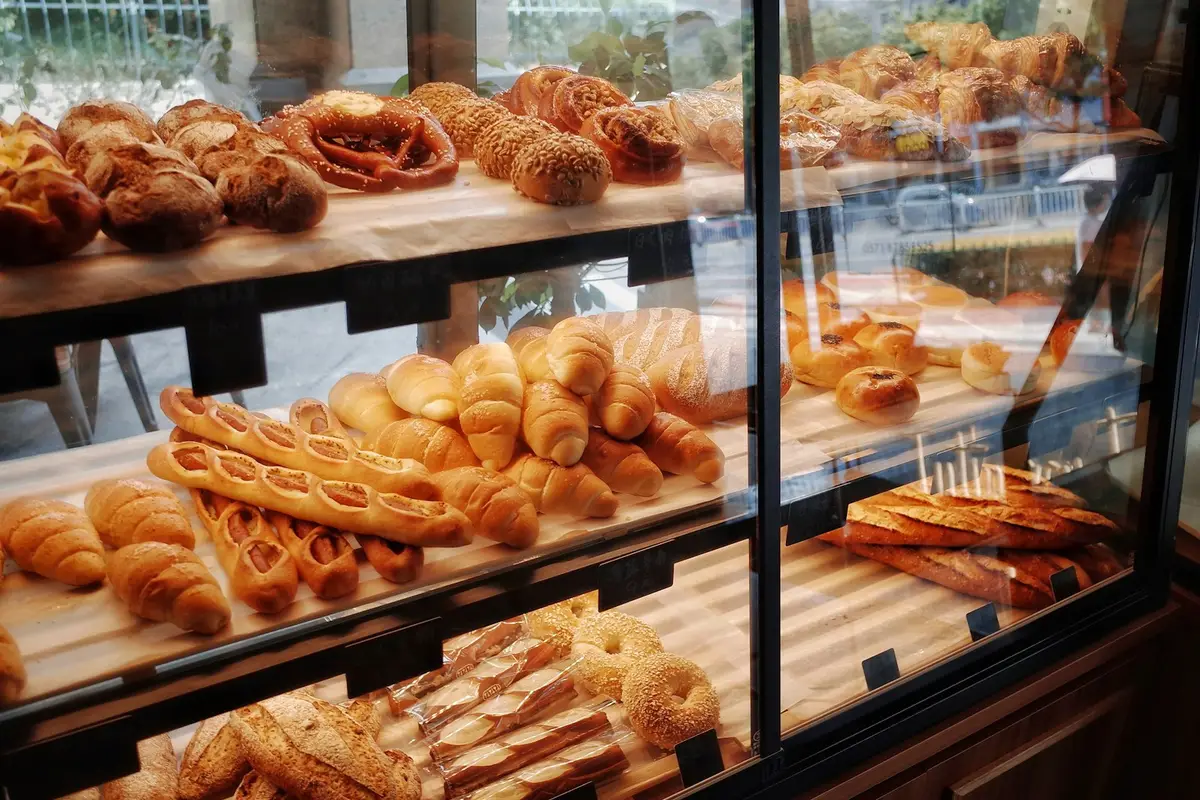
Bakery shelves with freshly baked bread
Photo: Yeh Xintong / Unsplash

How EtiquetaChef helps day to day

Allergens on the label

Mark each product’s allergens when you set it up, such as gluten, milk, eggs and tree nuts, and they print highlighted on labels that include the allergen field, which each country’s templates already have. The person at the counter doesn’t need to know the recipe by heart to answer a customer’s question.
Lot per bake

Enter the lot of each bake when you print: it appears on the label and stays in the history with the date, product and the person responsible. If a customer comes back with a question, you know exactly which batch that loaf came out of.

Professional packaging

The same label layout on the display case, on delivery orders and on special orders: product, expiration date, allergens and lot always in the same place. Your packaging starts to look like a brand instead of a handwritten note.

Raw dough and proofing

Dough made at night to bake in the morning gets a label with prep time and use-by. Whoever opens the bakery knows which dough to use first and which one is already past its point.

Opened fillings and creams

Pastry cream, cream cheese and opened fillings get the after-opening shelf life set in the product, different from the sealed pack. No more undated tubs at the back of the fridge.

Deli counter and savory bakes

Sliced ham, opened cheese and savory items in the display go out with date and use-by on the spot. The team restocks the counter by what expires first, and customers can see the date.

Allergen mistakes are expensive.

An allergic reaction in a customer can turn into a news story, a lawsuit and lasting damage to your name, and it almost always starts with information that lived only in someone’s head. With allergens stored in each product and printed on its labels, the right answer doesn’t depend on who happens to be working the counter that shift, or on how well they remember the recipe.

Frequently asked questions

Can raw dough and baked bread have different expiries?

Yes. Expiry rules are per product state, and the label prints with the expiry of the chosen state.

Does it work for sliced cold cuts at the counter?

Yes. Opened or sliced cold cuts get the secondary shelf life set in the product record.

Do you serve patisseries too?

Yes — see the patisseries page, with cakes, fillings and custom orders.

Can gluten, milk and egg be highlighted on the label?

Yes. You mark the allergens in the product setup and they print highlighted on labels that include the allergen field. If the recipe changes, you update the product once and the next labels are already right, without relying on the memory of whoever is at the counter.

The bakery opens before dawn. Do I need internet?

No. The app prints offline and syncs when the connection is back. The early-morning baker labels the batch as usual, and the history stays complete, with the time of each print.

Can I see what was thrown away at the end of the day?

Yes. When discarding a product, the team closes out its label as a discard, with quantity and person. Over time you see which products are left over most and adjust the next bake, instead of guessing.

Help Center

How this works in practice

Step-by-step app tutorials written for people working in the kitchen — no technical jargon.

See all tutorials

Ready to stop wasting product?

Talk to a consultant and put together the right plan for your kitchen.

Talk to a consultant