Food label templates for commercial kitchens
A commercial kitchen needs a few label templates, not one: prep, opened, thawed, frozen, allergen and grab-and-go. Each one shows the product, the date it was handled, the use-by date and who did it. In EtiquetaChef the templates are ready in the app — you pick the product and the state, and the use-by date is calculated and printed for you.
Pick the label you need
-
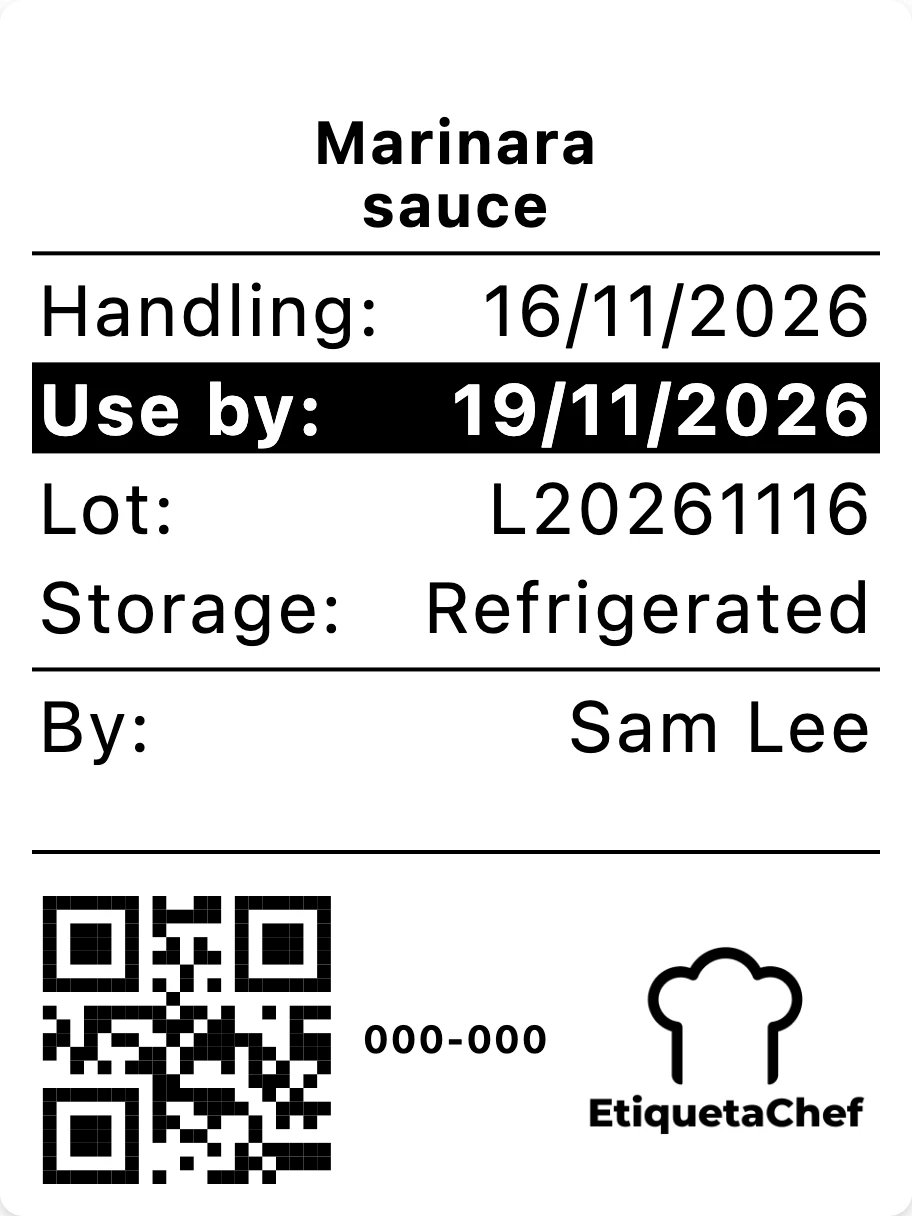
Prep label
For sauces, stocks and mise en place made ahead of service.
-
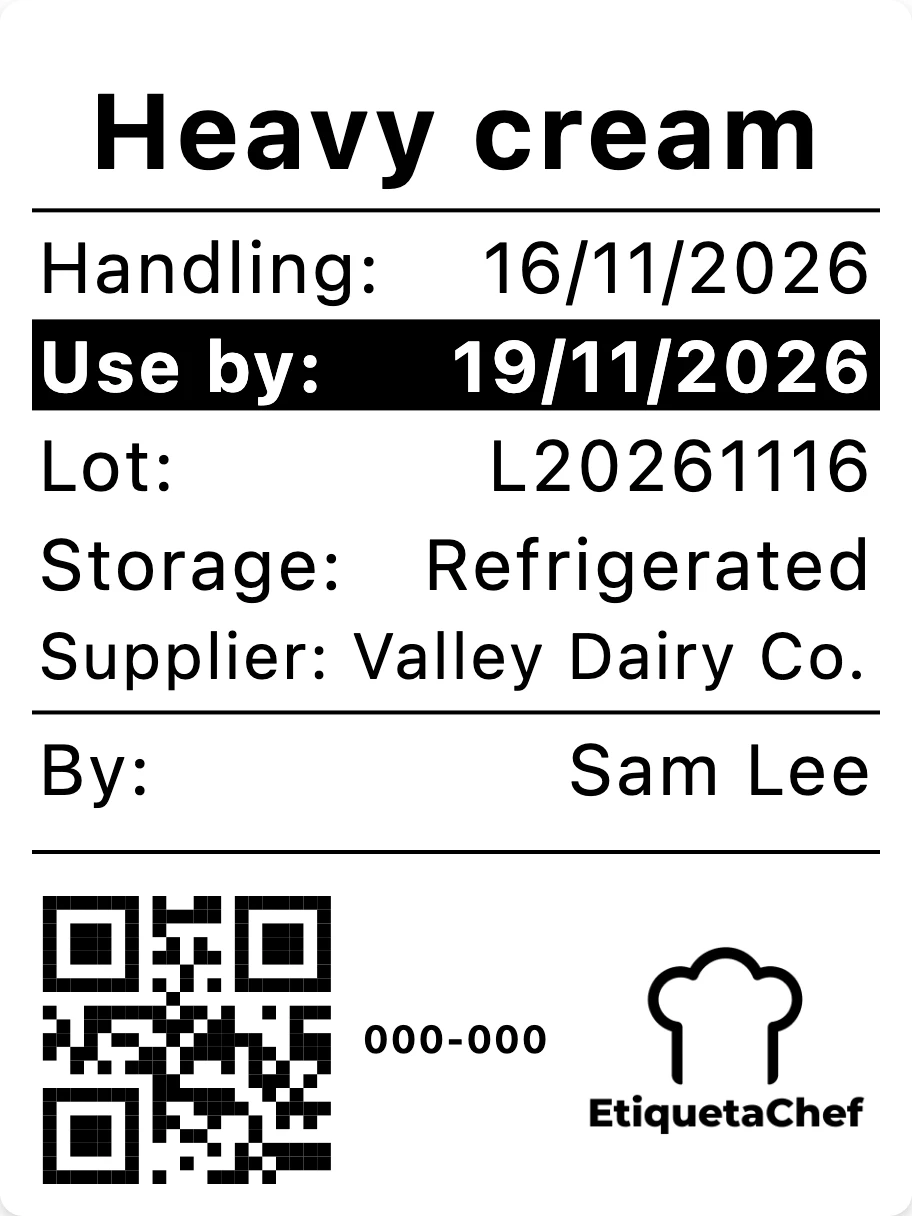
Opened product label
The new use-by date once the original pack is open.
-
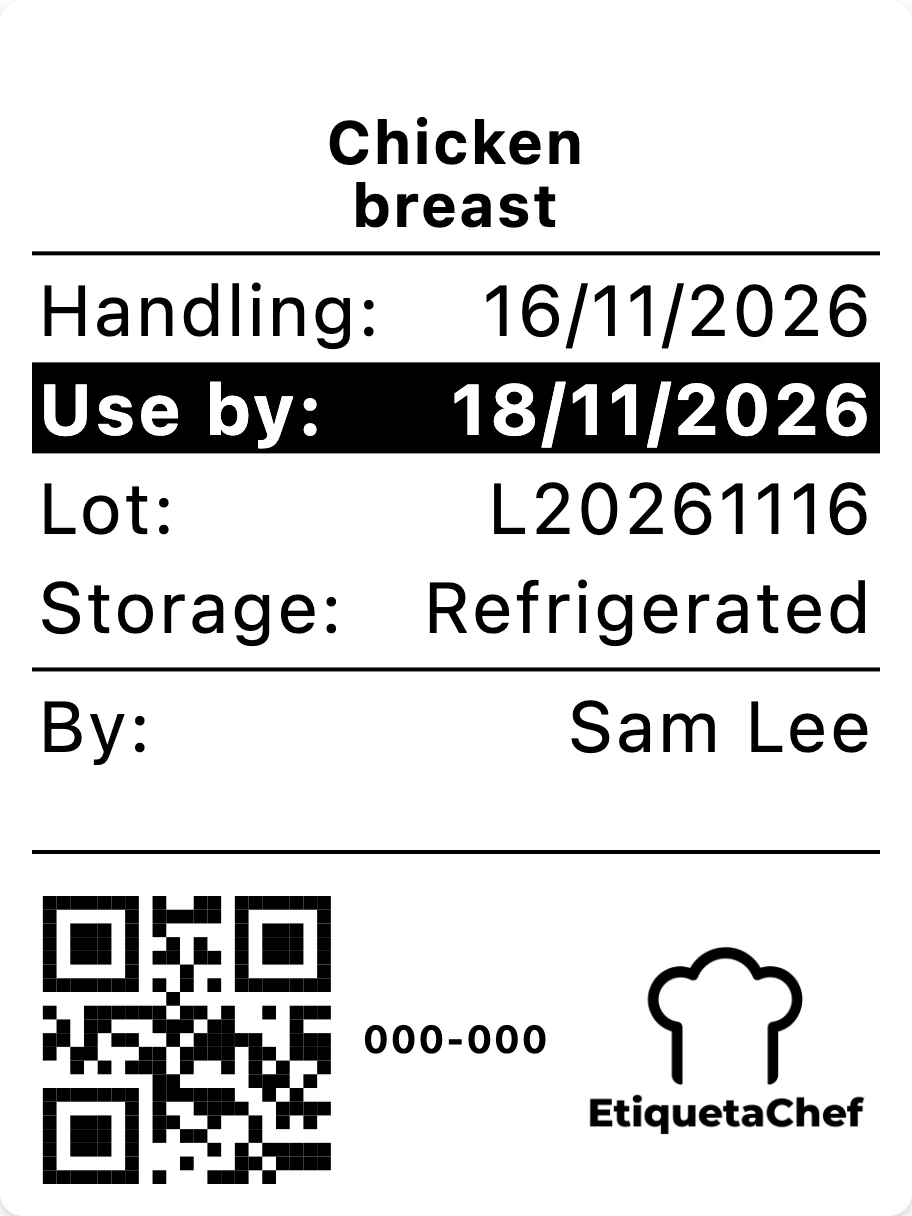
Thawed food label
A new, short use-by date when food leaves the freezer.
-
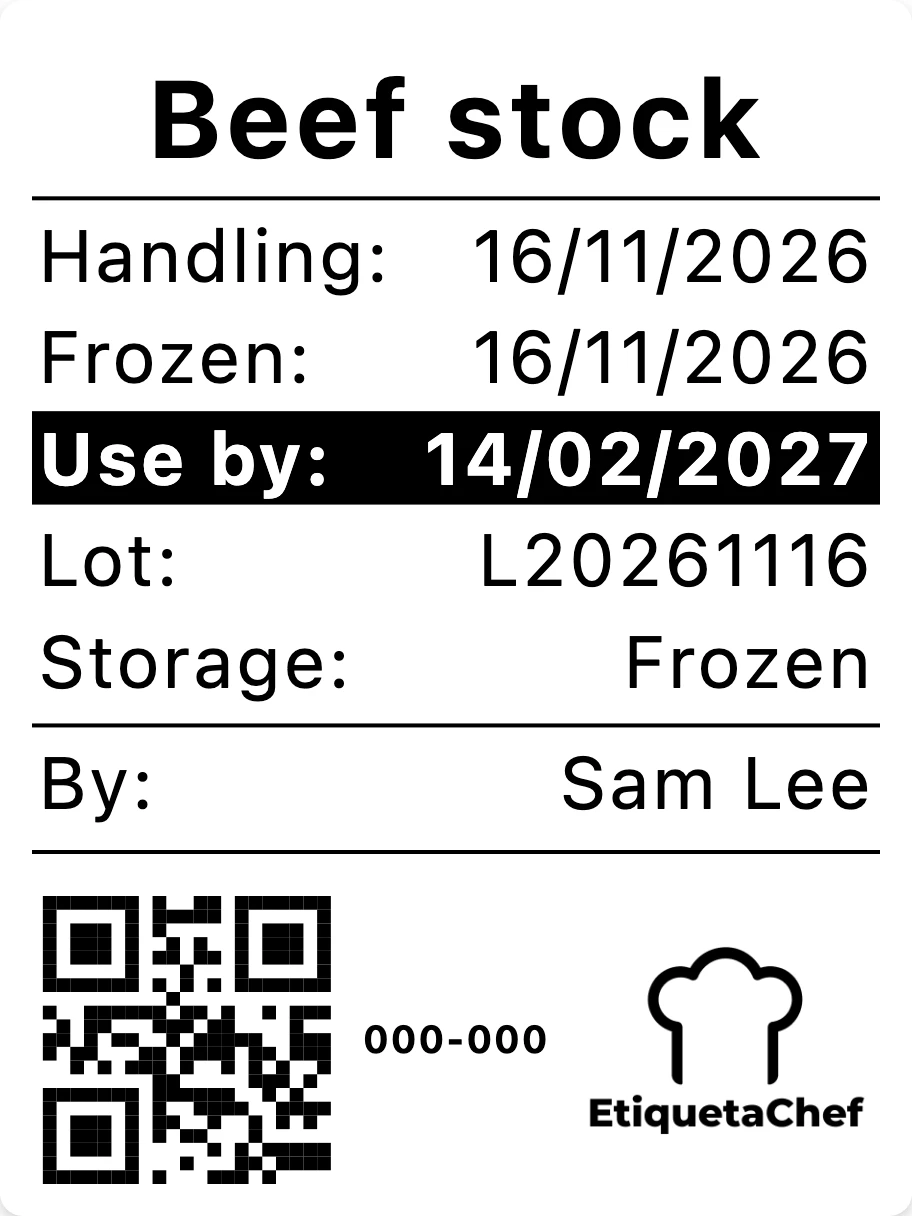
Frozen food label
Prep date, freezing date and use-by date that survive the cold.
-
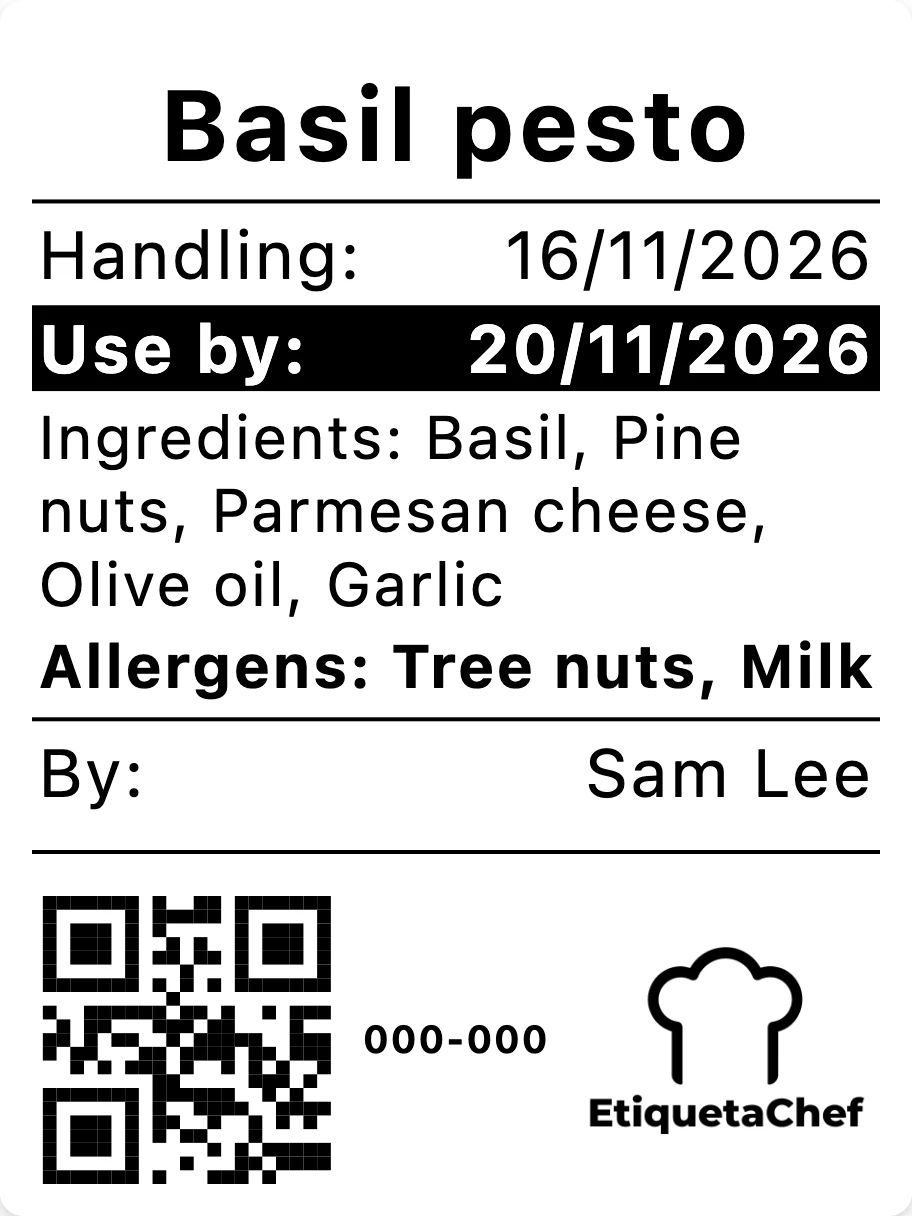
Allergen label
Ingredients and allergens in bold, from your country’s list.
-
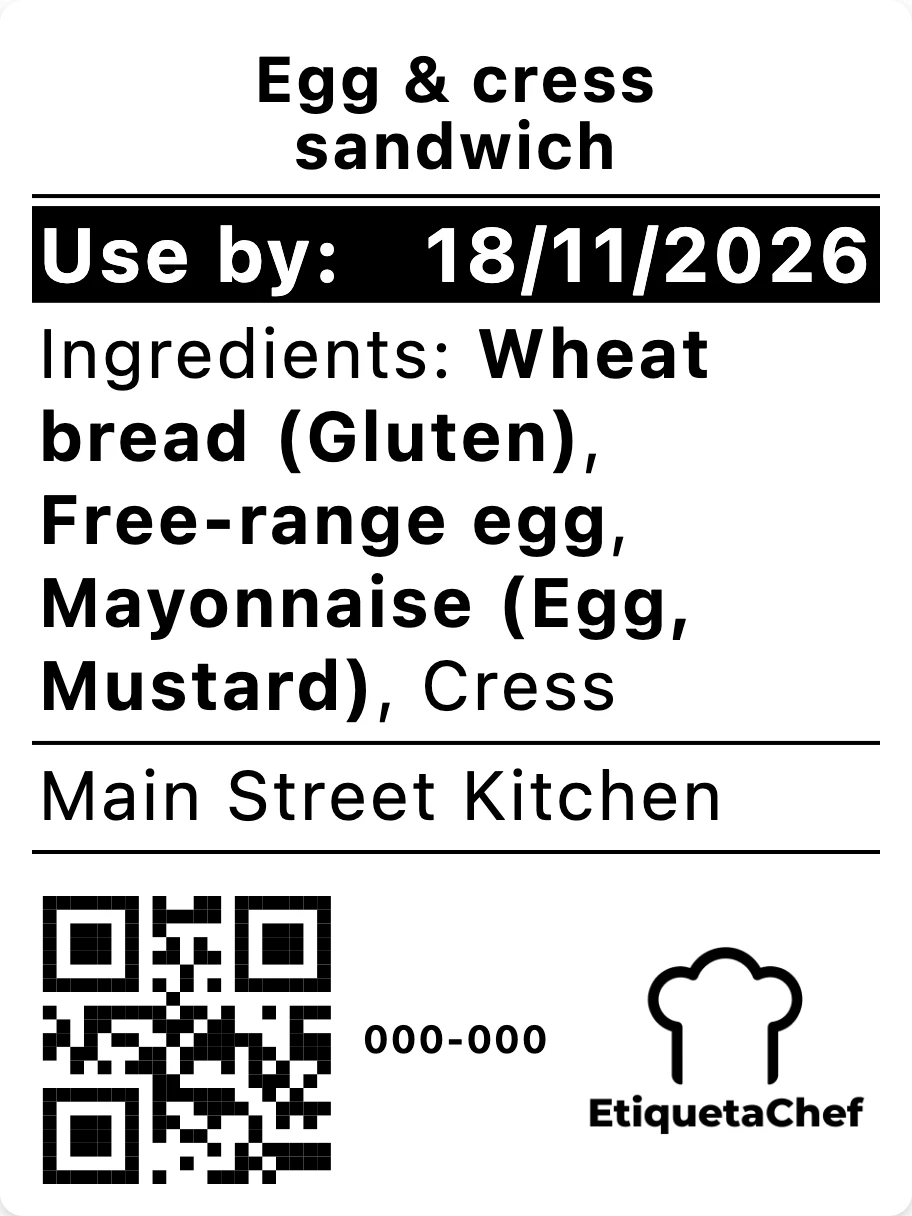
Grab-and-go label
Name, ingredients and allergens in bold for food packed on site.
-
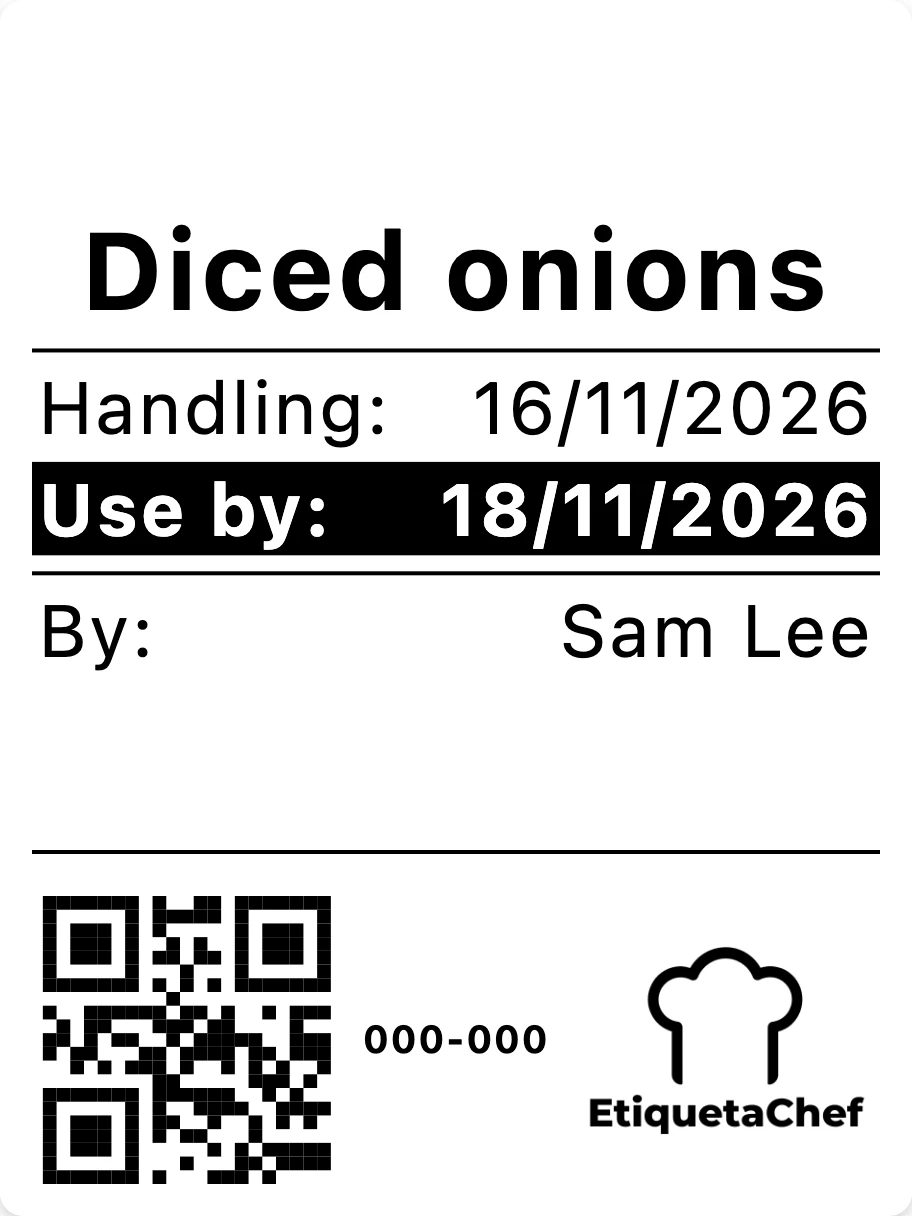
Day dots replacement
Why a printed date beats a colour sticker.
Why a template in the app beats a template on paper
-
No date maths
The use-by date comes from your house rule for that product and state. Nobody counts days on their fingers during service.
-
Same label for the whole team
Every cook prints the same fields, in the same place, legible. No handwriting, no tape, no marker that smudges in the walk-in.
-
History and traceability
Every label printed stays in the history, with batch and who prepped it. The QR on the label is scanned in the app to mark it used or discarded.
Print this label in 3 steps
-
Register the product once
Name, ingredients, allergens and the shelf-life rule for each state (opened, prepped, thawed, frozen).
-
Pick the product and the state
On the phone or tablet, at the station. The app calculates the use-by date from the rule — no maths.
-
Print on the thermal printer
The label comes out in seconds over Bluetooth, with QR for marking it used and the history saved.
Food label templates: frequently asked questions
What should a food label in a commercial kitchen include?
At least the product name, the date it was prepped, opened or thawed, the use-by date and who did it. Add a batch number, storage and allergens when your rules or your menu call for them.
Can I print these templates on any printer?
EtiquetaChef prints on Bluetooth thermal label printers from phones and tablets, with a list of certified and compatible models. Thermal labels need no ink and resist the fridge and freezer.
Do I have to design the label myself?
No. The app ships with a template for your country’s rules. You can change the size and turn fields on or off, but you do not start from a blank page.
Is a template enough to comply with food safety rules?
The template is designed around the common rules, but the shelf-life rules and the final responsibility belong to your establishment and its food safety plan.
Stop writing labels by hand
EtiquetaChef prints this template from your phone, calculates the use-by date and keeps the history. Talk to a consultant or download the app.