Milks and plant drinks
Open date and after-opening expiry on every carton.

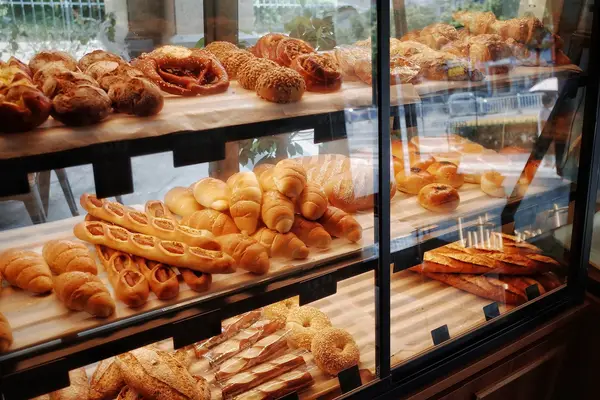
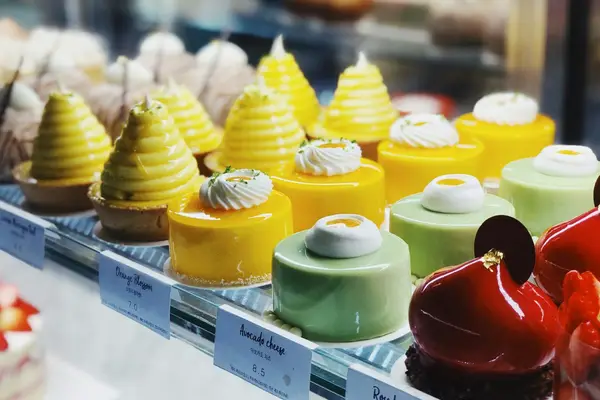
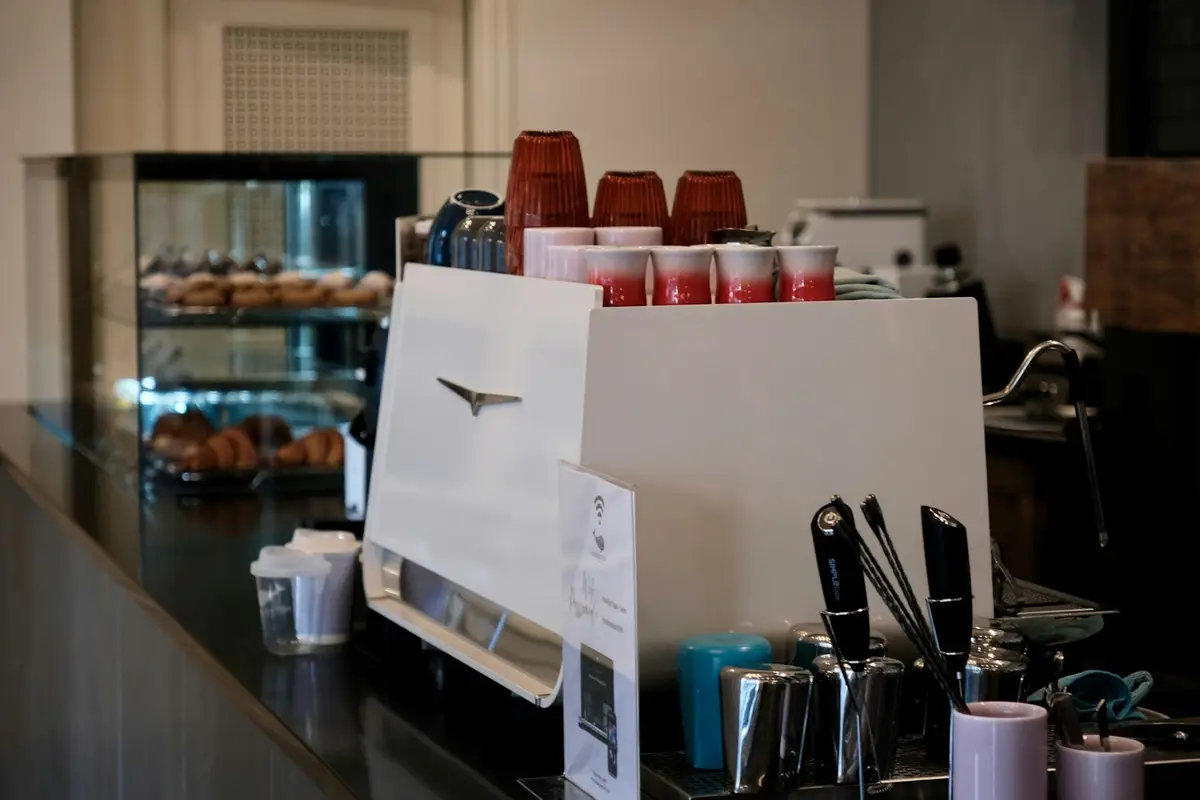
A café opens packages all day long and displays product in the case. EtiquetaChef prints the secondary shelf life of every item and highlights allergens for the staff serving customers.
To print you need a Bluetooth TSPL thermal printer and the mobile app (Android, iPhone or iPad). Other protocols only on request to our sales team. Printing is not available on the web dashboard.
Open date and after-opening expiry on every carton.
Today’s production with display time and highlighted allergens.
Own preps with production date and operator.
Opened milk without a label gets thrown out too early or used too late. Both cost — one in product, the other in risk.
Yes. The product can have an expiry rule for the “opened” state, and the label prints with the new expiry.
Yes. You tick the allergens in the product record and they print highlighted on every label.
Yes. The catalog can be imported from a spreadsheet (CSV/XLSX), besides adding items one by one.
Help Center
Step-by-step app tutorials written for people working in the kitchen — no technical jargon.
Talk to a consultant and put together the right plan for your kitchen.
Talk to a consultant