Fast portioning
The operator picks a saved product and the label prints on the spot, with expiration date, allergens and lot. Slicing, portioning and labeling become one single motion, with no notebook and no working out shelf life at the counter.

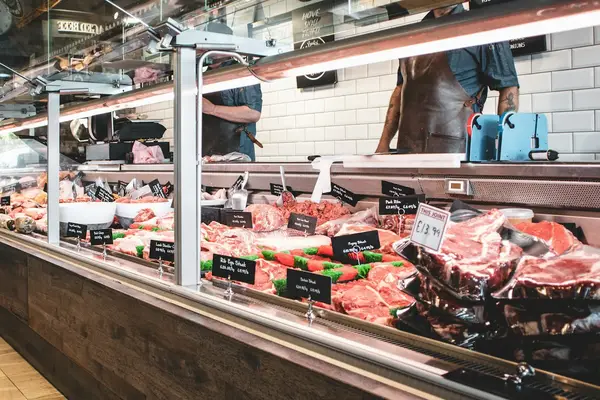
At the deli counter and the hot food counter, product is opened, sliced and portioned all day. The label prints on the spot with product, after-opening use-by date, allergens and lot, and the display keeps the same standard on every shift.
To print you need a Bluetooth ZPL II or TSPL thermal printer and the mobile app (Android, iPhone or iPad). Other protocols only on request to our sales team. Printing is not available on the web dashboard.
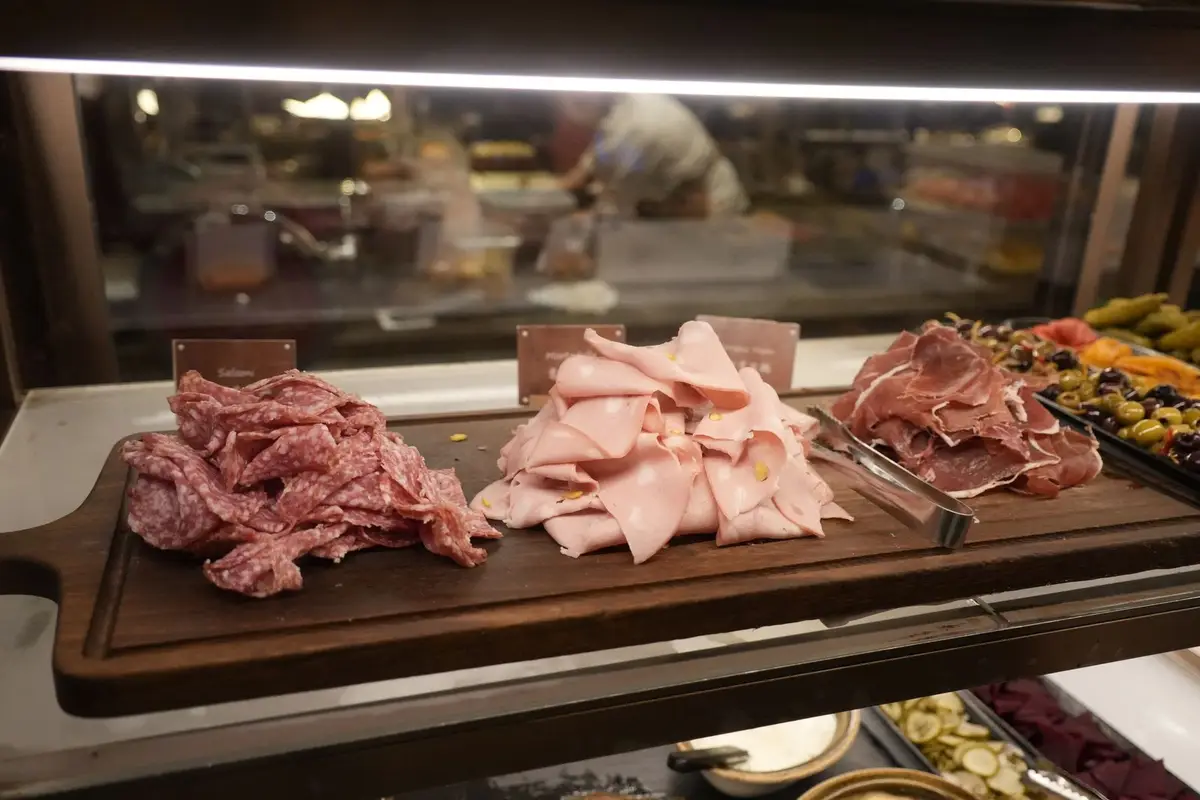
The operator picks a saved product and the label prints on the spot, with expiration date, allergens and lot. Slicing, portioning and labeling become one single motion, with no notebook and no working out shelf life at the counter.
The same standard label across the whole operation, from the deli counter to the rotisserie. The display case looks consistent on every shift, and your store gets the visual standard of a large chain without the size of one.
Customers see the date on the package and the team follows the rule set for each product, instead of eyeballing shelf life. A whole piece and an opened one follow different rules, and the label knows which one to apply.
When a ham, mortadella or cheese is opened, the after-opening label prints with the new date. The slicer knows which piece to use first, and an expired piece never goes back into the display.
Rotisserie chicken, salads and daily dishes get prep time and display deadline. The team pulls what has expired from the display and clears it as a discard.
Everything in the counter’s back-up walk-in has product, date and use-by. Restocking follows FIFO, by what expires first, and the weekend stock count goes faster.
Standard labels on the display case signal professionalism, and customers compare your store with the big supermarket down the road. Handwritten labels, unreadable dates or trays with no date at all look careless, and they show up on exactly the most expensive products in the store: the ones sliced and portioned to order. A clean, consistent label is part of what justifies the price on that tray.
Yes. The operator picks the product and the label prints with the after-opening expiry.
Yes, highlighted on labels that include the allergen field, which each country’s templates already have.
No. The focus is expiry, allergens, lot and traceability.
Yes. Every label records product, time, use-by date, lot and operator. If a question comes up about a tray in the display, the history shows who prepared it and when, without relying on the team’s memory.
Yes. Each counter can have its own phone or tablet and its own Bluetooth printer, with the same shelf-life rules and the same label template. The standard stays the same across deli, hot food and bakery.
Yes. With the use-by date printed, the team uses what expires first, and every discard is recorded with quantity and person. You start to see which products expire most at the counter and can adjust the size of the pieces you open.
Help Center
Step-by-step app tutorials written for people working in the kitchen — no technical jargon.
See all tutorialsTalk to a consultant and put together the right plan for your kitchen.
Talk to a consultant