Marinated meats
Cuts seasoned for the skewer go out with the seasoning date and an expiration set by the product’s rule. The walk-in team uses whatever was seasoned first, and no meat gets forgotten on a shelf from one night to the next.

A Brazilian steakhouse seasons and thaws meat in volume, portions it for the skewers and refills the buffet all service long. EtiquetaChef calculates the use-by date for each state, prints the label with the operator and shows what expires today.
To print you need a Bluetooth ZPL II or TSPL thermal printer and the mobile app (Android, iPhone or iPad). Other protocols only on request to our sales team. Printing is not available on the web dashboard.
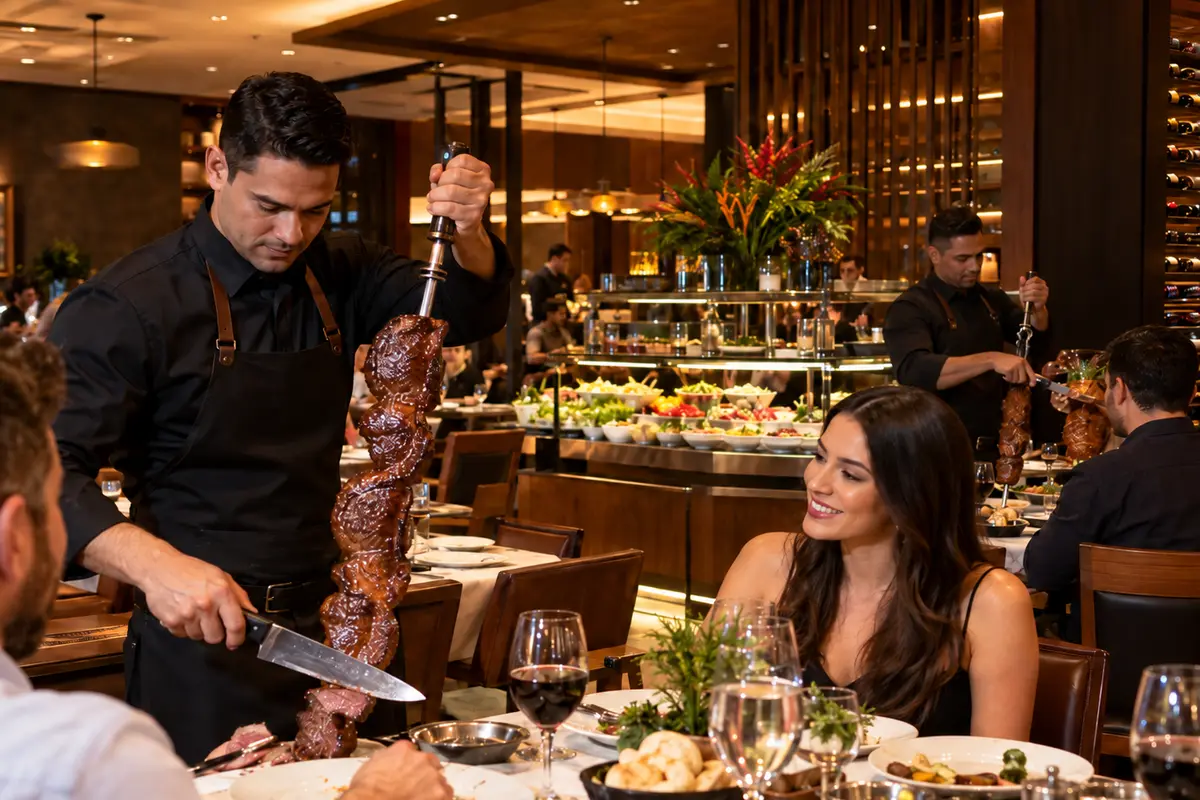
Cuts seasoned for the skewer go out with the seasoning date and an expiration set by the product’s rule. The walk-in team uses whatever was seasoned first, and no meat gets forgotten on a shelf from one night to the next.
When meat comes out of the freezer, the team picks the thawed state and the rule calculates the new shelf life. The label shows when the meat left the freezer, so nobody has to guess how many days it has been sitting in the walk-in.
Salads, farofa, vinaigrette and sauces on the buffet go out with prep time and how long they can stay on display. When restocking, the team knows what to swap and what can stay, without relying on a sniff test.
Cuts portioned for rodízio service get a label with product, portioning time and use-by date. The grill team uses what was portioned earliest first and no meat sits forgotten in the walk-in.
Flan, mousse, salads and cold cuts on the buffet get prep time and display deadline. Anything past its date comes off the buffet with the discard recorded.
Each cut’s balance is the sum of its active labels. With a par level set, the owner and manager get an alert before picanha runs out in the middle of rodízio service.
When in doubt, nobody risks serving it, so it ends up in the bin. With the prep date and expiration printed on every tray, whatever is still within its date goes back into the next service and only what has expired gets thrown out. In a steakhouse, where meat is by far the biggest cost in the house, that difference goes straight to your margin, night after night.
Yes. Each product has rules per state (prepared, frozen, thawed), and the label prints the deadline of the chosen state.
Yes. Every buffet item gets a label with prep time and expiry, and allergens highlighted on templates with the allergen field.
Yes. Every label goes to the history with product, time, expiry, lot and operator.
Yes. Batch printing generates several labels for the same cut in sequence, and more than one phone can print at the same time, each with its own Bluetooth printer, in the walk-in, the butchery and the buffet.
Yes. Every discard closes out the label with quantity, time and operator, and the cut’s balance drops right away. You start to see where meat is leaving without turning into sales.
With prep date and use-by printed, what is still in date goes back to the next service with its original label, and only expired product is thrown out. The decision no longer depends on who closed the kitchen.
Help Center
Step-by-step app tutorials written for people working in the kitchen — no technical jargon.
Talk to a consultant and put together the right plan for your kitchen.
Talk to a consultant