Standard mise en place
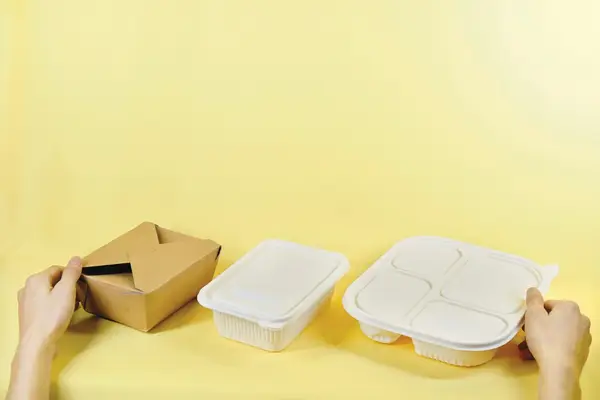
Every container labeled with product, time, expiration and operator.

Print expiration labels matching your house standard in seconds. Cut waste, align your team and pass inspections without slowing down service.
To print you need a Bluetooth TSPL thermal printer and the mobile app (Android, iPhone or iPad). Other protocols only on request to our sales team. Printing is not available on the web dashboard.

Every container labeled with product, time, expiration and operator.
Automatic rule when a product moves from "frozen" to "thawed".
Every label recorded with product, time, expiry and operator.
Mid-size restaurants waste 4–10% of food cost on unrecorded expirations. Standard labels separate guesswork from real FIFO.
Yes. EtiquetaChef works with TSPL-compatible Bluetooth thermal printers; other protocols on request.
Not unless you want them to. Operators only print; managers and owners edit products and rules.
Labels with calculated expiry give real FIFO and cut waste from doubt. Estimate your case in the loss calculator.
Help Center
Step-by-step app tutorials written for people working in the kitchen — no technical jargon.
Talk to a consultant and put together the right plan for your kitchen.
Talk to a consultant