Food production

Traceability sized for a small producer.

Small producers also need to know what came out of each lot. EtiquetaChef prints labels with lot, use-by date and allergens for jams, cheeses, cured meats and breads, and records every production run with date and operator.

To print you need a Bluetooth ZPL II or TSPL thermal printer and the mobile app (Android, iPhone or iPad). Other protocols only on request to our sales team. Printing is not available on the web dashboard.

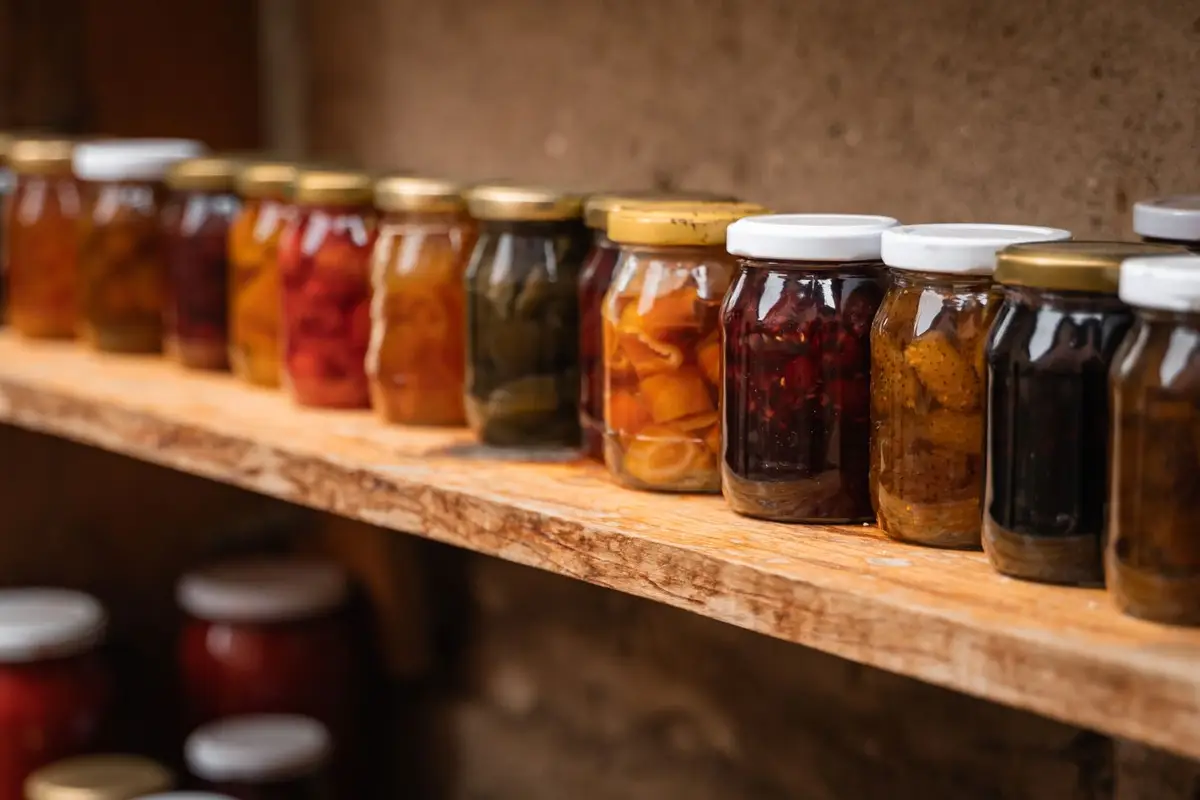
Jars of artisan jam and cheeses on the bench
Photo: Yasin Onuş / Pexels

How EtiquetaChef helps day to day

Allergens on the label

Select each product’s allergens when you set it up and they print highlighted on the label, in the format your country uses. If the recipe changes, you update the product once, and every label after that comes out right without anyone having to remember.
Lot and expiration

Enter the lot of each production run when you print, and the expiration date is calculated from the product’s rule. If you ever need to find a specific run, you locate exactly that lot, not a whole week of production.

Standard layout

The same label layout across your entire production, with product, lot, date and expiration always in the same place. Your packaging gets a professional look without a print shop, pre-printed labels or a minimum order to sit in a drawer.

Shelf life by product state

The same cheese can have one shelf life sealed, another once opened and another when portioned. The rules live in the product setup, and the label prints the date for the chosen state, no mental math.

Batch printing

A jarring day means dozens of identical jars. Batch printing generates the labels for the same product in sequence, all with the same lot, the same date and the same use-by.

History of every run

Every label is recorded with product, lot, date, use-by and operator. When a customer asks about a jar, you find the production run in the history, not in a notebook.

Small producers do not have a compliance team.

Or a labeling department, or anyone whose whole job is quality. A label with the right lot, expiration date and allergens becomes a real edge when you pitch to a specialty store, a chain or a bigger customer who asks how you trace what you make. EtiquetaChef gives you that answer without the cost of an industrial ERP, and without adding a person to the payroll.

Frequently asked questions

Does EtiquetaChef create mandatory nutrition labeling?

No. It handles expiry, allergens, lot and traceability; the nutrition table stays with the food safety lead.

How does the lot work?

You enter the lot when you print: it appears on the label and stays in the history with date, product and operator.

Do I need proprietary hardware?

No. A ZPL II or TSPL Bluetooth thermal printer and a phone or tablet.

Does it work for home producers selling at markets?

It works for any production that needs labels with lot, use-by date and allergens: a phone and a Bluetooth thermal printer are enough. Mandatory labeling on the final packaging, such as nutrition facts and registration, remains with the person responsible for it.

Can I track stock of my production ingredients?

Yes. Each product’s balance is the sum of its active labels, with an alert when it drops below the par level you set. For the counting routine and food cost calculation, see the Restaurant inventory management guide.

Can more than one person print?

Yes. Each person signs in with their own access, and their role defines what they can do: operators print, while managers and owners edit products, rules and label templates.

Help Center

How this works in practice

Step-by-step app tutorials written for people working in the kitchen — no technical jargon.

See all tutorials

Ready to stop wasting product?

Talk to a consultant and put together the right plan for your kitchen.

Talk to a consultant