With or without ribbon
Direct thermal for everyday use, or thermal transfer when the label has to last longer.

With or without ribbon, and encodes UHF RFID.
ZPL II Bluetooth Direct thermal Optional ribbon UHF RFID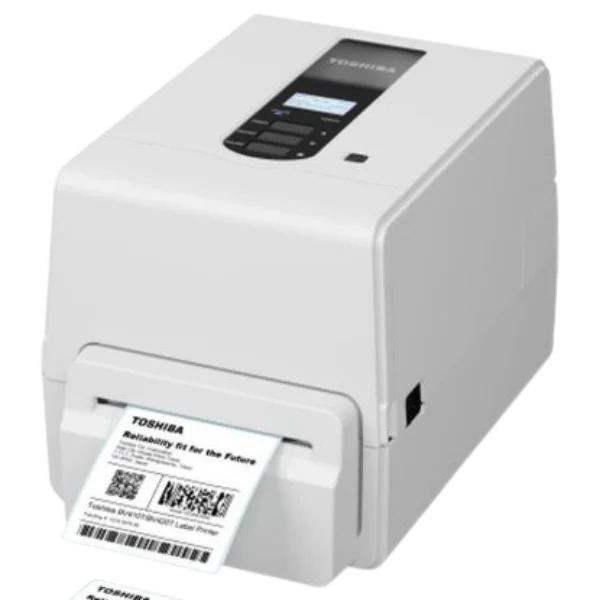
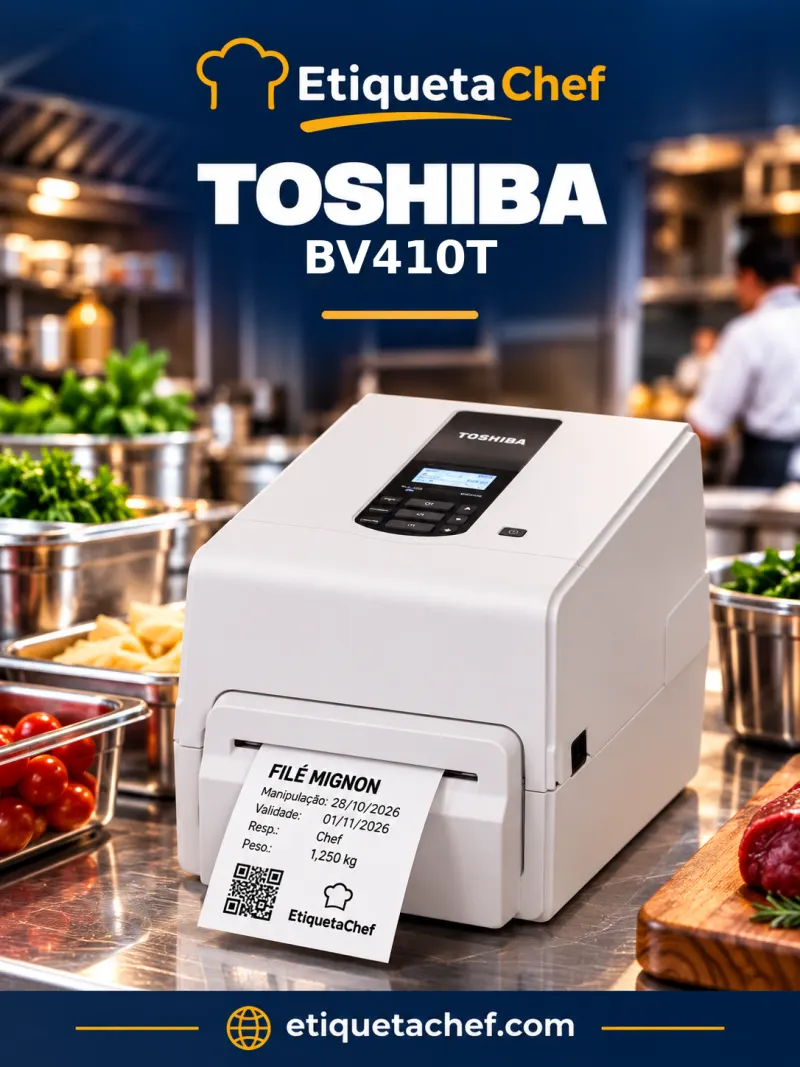
The Toshiba BV410T is the choice for kitchens that want to go beyond paper labels: it prints direct thermal with no ribbon, or thermal transfer with ribbon for more durable labels, and encodes UHF RFID tags.
It connects to EtiquetaChef over Bluetooth, speaks ZPL II and prints at 203 or 300 dpi, at up to 178 mm per second.
Direct thermal for everyday use, or thermal transfer when the label has to last longer.
Encodes the RFID tag while it prints, so you can track ingredients without manual scanning.
Up to 178 mm per second and 108 mm of print width.
Yes. On Android, the app connects over Bluetooth Classic (SPP); on iPhone and iPad, over Bluetooth Classic with Apple MFi certification. When buying, include the BV410T Bluetooth kit.
It is not required. Day to day it prints in direct thermal, without ribbon. With a ribbon, in thermal transfer, the label stands up better to heat, moisture and rubbing.
With the BV410T UHF RFID kit and labels with a UHF chip (inlay), the printer writes the RFID tag while it prints. Each label comes out printed and encoded in the same pass.
Labels up to 108 mm of print width. In the app you create templates from 40 to 110 mm wide and 25 to 160 mm tall; the most common sizes are 51×25 mm, 57×51 mm and 102×152 mm.
Turn the printer on, open EtiquetaChef, go to Printers and tap add. The app finds the printer over Bluetooth and uses the ZPL II language. Then print the test label.
Talk to a consultant and put together the right plan for your kitchen.
Talk to a consultant