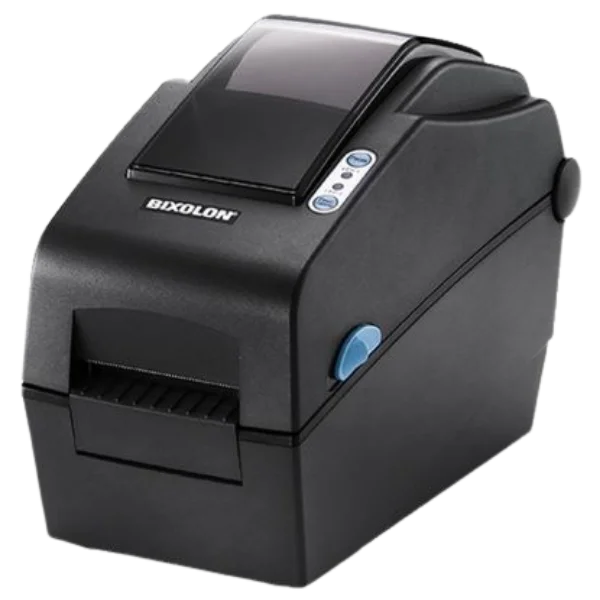
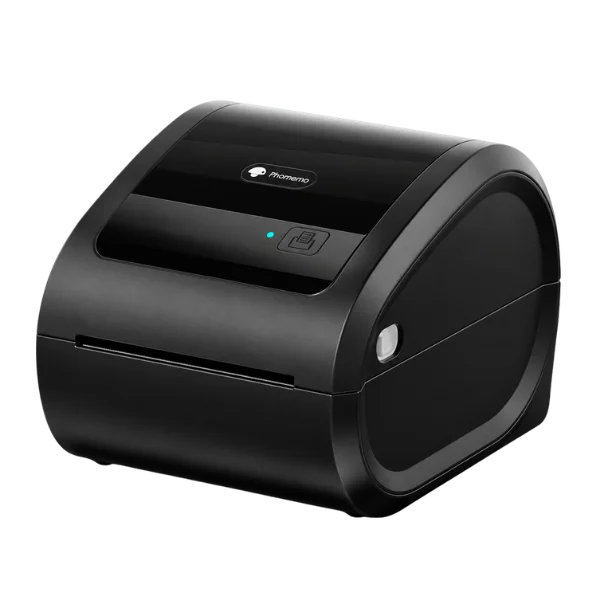
ZPL II or TSPL
The two most common thermal printer languages on the market.
Any brand with ZPL II or TSPL and Bluetooth.
ZPL IITSPL Bluetooth SPP / BLE Direct thermal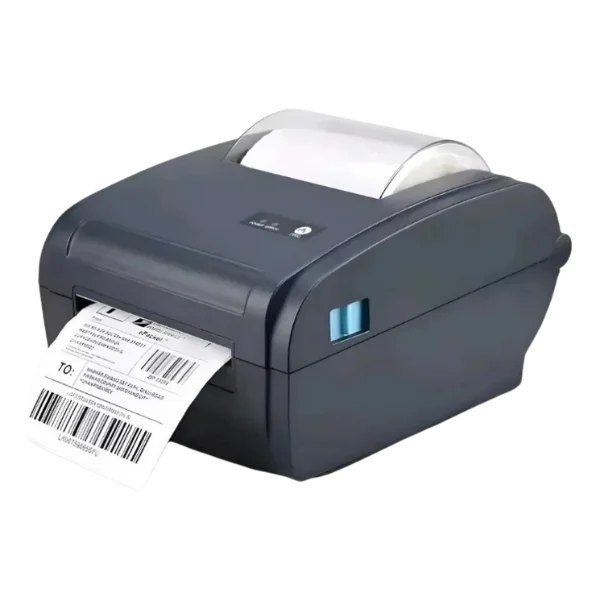
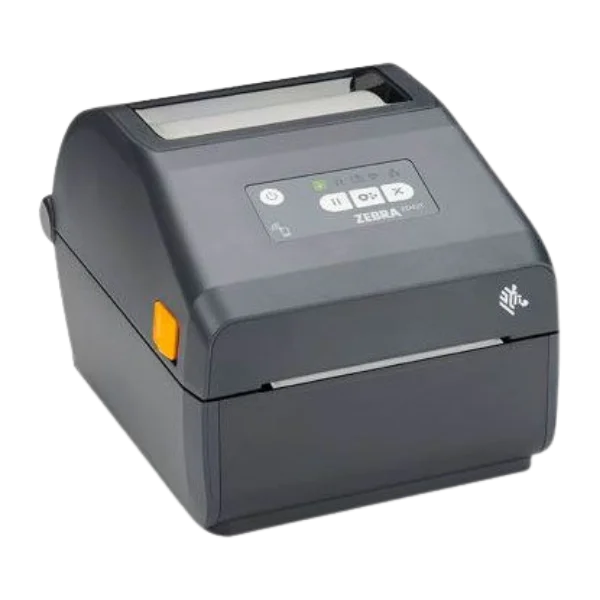
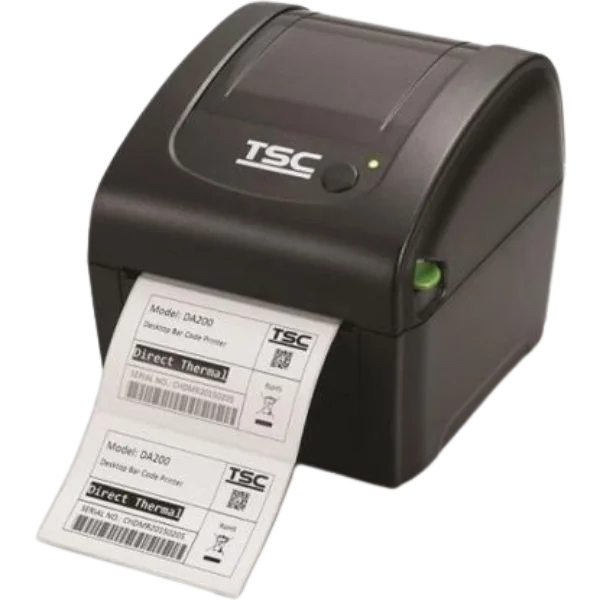
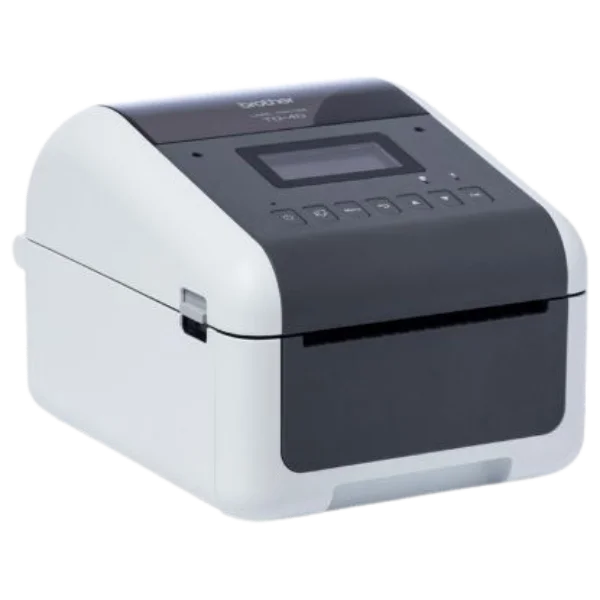
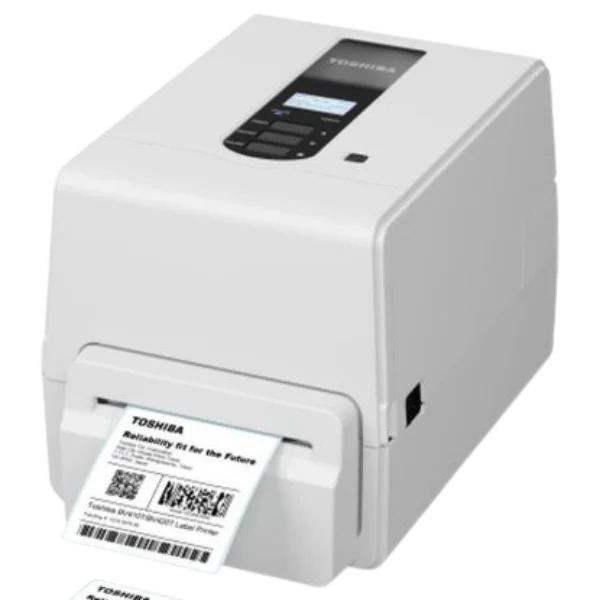
No need to switch printers. EtiquetaChef prints on generic thermal printers from any brand, as long as they speak ZPL II or TSPL and have Bluetooth: Classic (SPP) for Android, BLE for iPhone and iPad.
It is the most affordable way to get started: direct thermal, no ribbon, on labels up to 4".
The two most common thermal printer languages on the market.
Bluetooth connection to your phone or tablet, no cable and no Wi-Fi network.
Use the printer you already have, or start with an entry-level model.
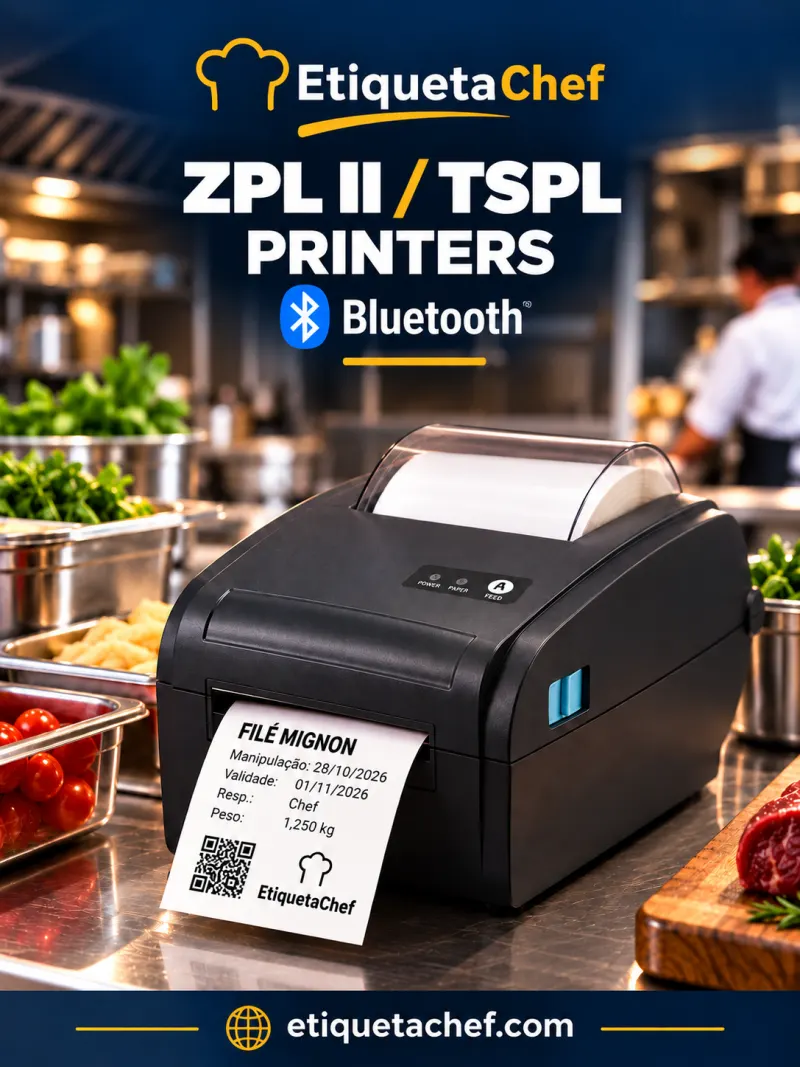
Check the manual or the manufacturer's spec sheet: the printer must speak ZPL II or TSPL, have Bluetooth (Classic for Android, BLE for iPhone) and print in direct thermal. Then tap the printer's + in the app and Test print.
For Android, Bluetooth Classic (look for "SPP" or "Serial Port Profile" in the spec sheet). For iPhone and iPad, Bluetooth Low Energy ("BLE" or "Bluetooth 4.0 or later with LE"). Many printers have both. On Android, pair the printer in the Bluetooth settings and it shows up under Available in the app; if it does not, contact support.
Yes. On Android, the app connects over Bluetooth Classic (SPP); on iPhone and iPad, over Bluetooth BLE.
The size depends on your printer. In the app you create templates from 40 to 110 mm wide and 25 to 160 mm tall; the most common sizes are 51×25 mm, 57×51 mm and 102×152 mm.
Tap Test print on the app's Printers screen: it calibrates the gap sensor between labels and prints a check label. Also make sure the label template size matches the roll. If it persists, contact support with the printer's brand and model.
Talk to a consultant and put together the right plan for your kitchen.
Talk to a consultant