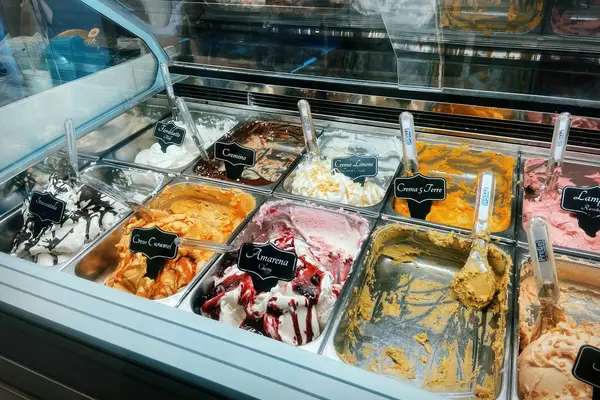
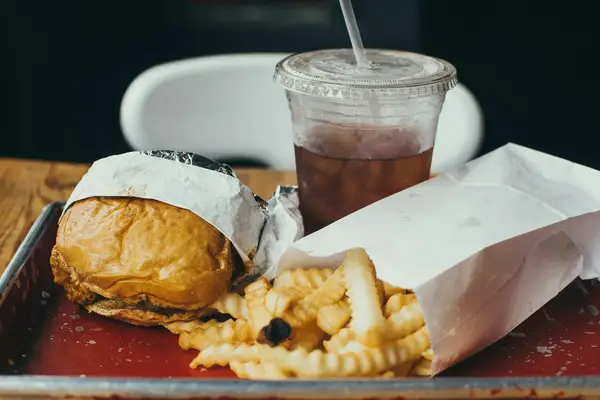
Thawed pulp
When it moves from the freezer to the fridge, the thawed rule sets the new expiry.

An açaí shop handles frozen, thawed and dozens of opened toppings at the same time. EtiquetaChef calculates the expiry of each state and prints the label on the spot.
To print you need a Bluetooth TSPL thermal printer and the mobile app (Android, iPhone or iPad). Other protocols only on request to our sales team. Printing is not available on the web dashboard.
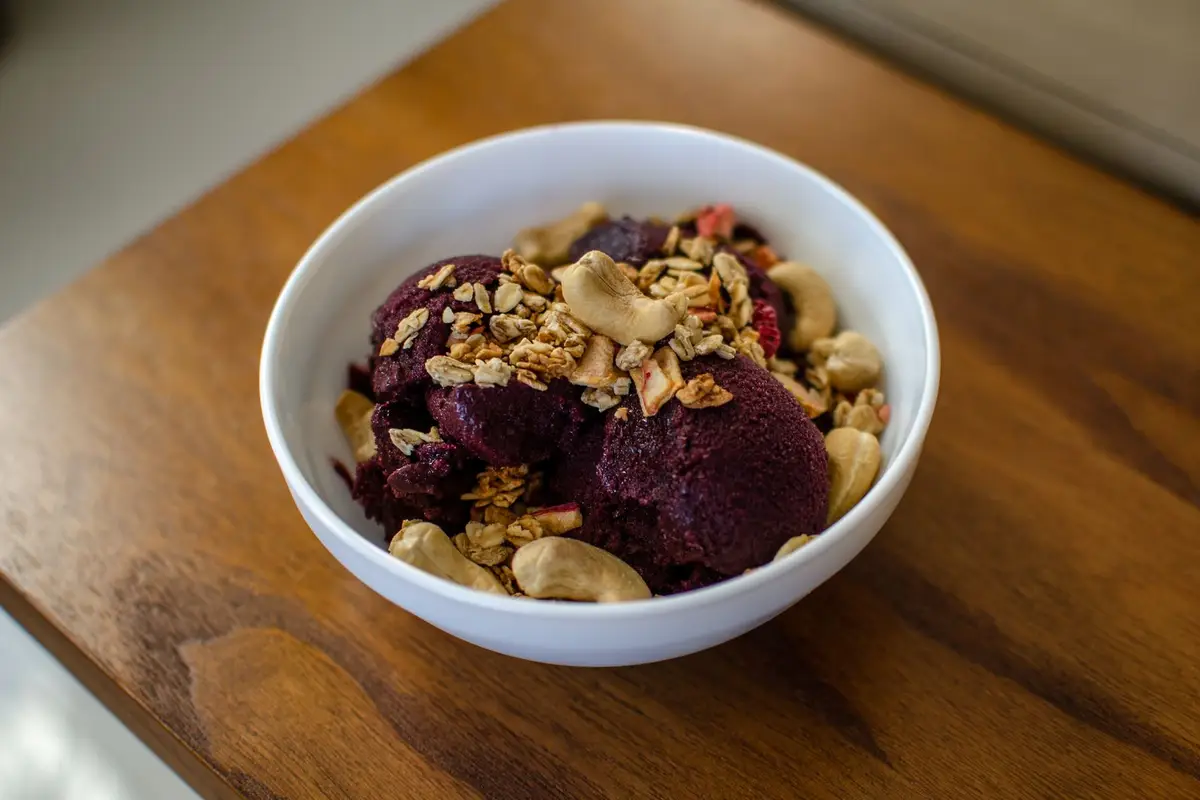
When it moves from the freezer to the fridge, the thawed rule sets the new expiry.
Banana, strawberry, milk powder, granola: every counter tub with date and expiry.
Condensed milk, hazelnut spread and syrups with open date and secondary shelf life.
Thawed pulp without a date becomes doubt, and doubt becomes waste. With the right label the team uses first what expires first.
Yes. Each product can have expiry rules per state — frozen, thawed, opened, prepared — and the label prints with the expiry of the chosen state.
Yes. Register each topping once; then just pick it and print. Label size depends on the printer and roll you use.
Yes. The Android, iPhone and iPad apps print over Bluetooth even offline and sync when the connection is back.
Help Center
Step-by-step app tutorials written for people working in the kitchen — no technical jargon.
Talk to a consultant and put together the right plan for your kitchen.
Talk to a consultant